


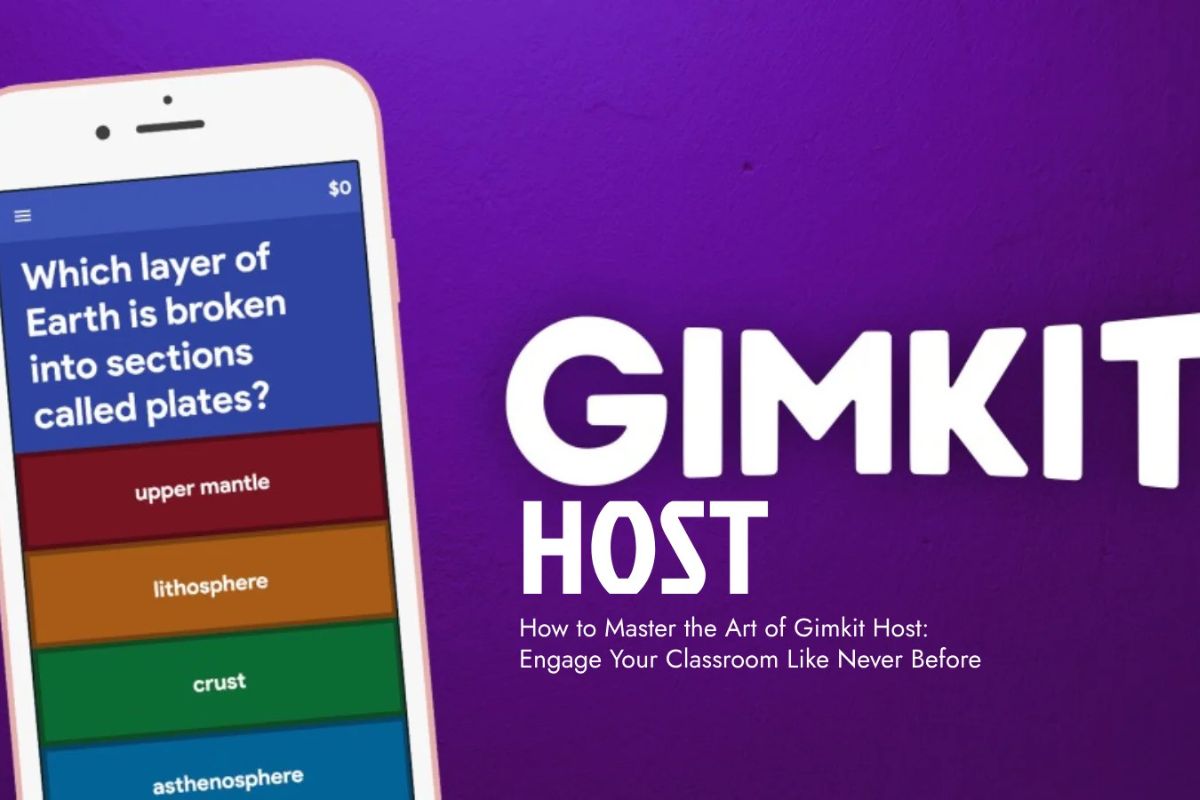
Gimkit is a popular game-based learning platform. It was primarily developed for school students to help them learn and make testing their knowledge fun and rewarding. Today, this platform is widely used by learners, teachers, and trainers worldwide for educational purposes. Gimkit’s specialty is turning dull tasks into fun and interactive games. Engaging in these games boosts students’ learning.
If you are new to this platform and want detailed information regarding Gimkit, then you are on the right page. Here, we will discuss things in detail, so keep reading.
Also Read : Sue Bird vs. Larry Bird: Same Last Name, Same Family?
What is Gimkit?
As discussed earlier, Gimkit is an interactive learning platform that makes studying fun and competitive. It was created by a high school student, Josh Fenisilber, whose introduction message appears at the start of the platform.
At Gimkit, you will have tasks related to quizzes, live games, and strategies that help students improve their retention and engagement capacity.
Here:
Teachers can create quizzes, flashcards, and challenges.
Students can join using a unique game code; no need for complex logins.
It supports real-time multiplayer and self-paced assignments.
How To Host A Gimkit Game
Hosting a Gimkit session requires following a few simple steps, which are stated below:
First, visit Gimkit.com and sign in as a teacher or host using your account.
Now, select or create your kit (quiz), which you want to play or schedule for students. To make it more interactive, you can add elements like multiple-choice questions, polls, images, and audio.
Gimkit has several game modes. Choose the optimal one according to your needs, such as classic, team mode, trust no one, and race mode. Each mode caters to different needs, so you can select anyone according to your convenience.
After selecting the game mode, you can start hosting your game by clicking the “Host Game” button and selecting your preferred gaming mode. You can customize rules for setting time limits, goals, and power-up rules.
Understanding Gimkit Join Codes
Gimkit’s system automatically generates a unique join code when a user hosts a game.
Tips To Make Learning More Engaging
To make your Gimkit session fun and effective, follow these valuable tips:
Use power-ups wisely and set them strategically to keep students motivated and excited during the game.
Mix multiple game modes and switch between Team Mode, Classic, and Trust No One to maintain variety.
Don’t make game sessions too long; keep them short, such as 10 to 15 minutes
Reviewing results and providing feedback will help create a competitive environment and boost learning.
Gimkit vs. Other Platforms
In this section, we will provide a quick comparison of features available on similar platforms:
|
Feature |
Gimkit |
Kahoot |
Quizizz |
|
Game Modes |
Multiple, including strategy games |
Mostly quiz-based |
Quiz + assignments |
|
Power-Ups |
Yes |
No |
No |
|
Self-Paced Mode |
Yes |
No |
Yes |
|
Student Engagement |
Highly-engaging |
Engaging |
Moderately-engaging |
|
Pricing |
Free + Paid Plan |
Free + Premium |
Free + Premium |
Pricing and Plans (2025 Update)
Gimkit has both free and paid plans.
The free plan comes with limited kits and fewer game modes
Gimkit Pro is priced $9.99/month or $59.88/year
In the premium plan, you will get perks like:
Unlimited kitsAdvanced game modes
Enhanced analytics
More customization options
Frequently Asked Questions (FAQs)
Is Gimkit Free To Use?
Yes, it is free to use, but with limited features. For full features, you will need to invest in Gimkit Pro.
How Do Students Join A Gimkit Game?
To join Gamkit games, students must visit Gimkit.com, select the play section, and submit their join code provided by the host to start the game.
Can I Host Gimkit Games Remotely?
Definitely, you can host Gimkit games remotely by sharing the join code with others and allowing students to join from anywhere.
Conclusion
Gimkit is an online learning platform that converts learning into playing fun games. Teachers can create games related to educational content and share their unique code with students to invite them to play educational games. In this article, we covered this topic comprehensively. We hope that you enjoyed reading this post and found it informative. If so, please share this post with others as well.






Leave a comment